Users, Roles & Invitations
Where: Company → Users & Roles (Company Admins only).
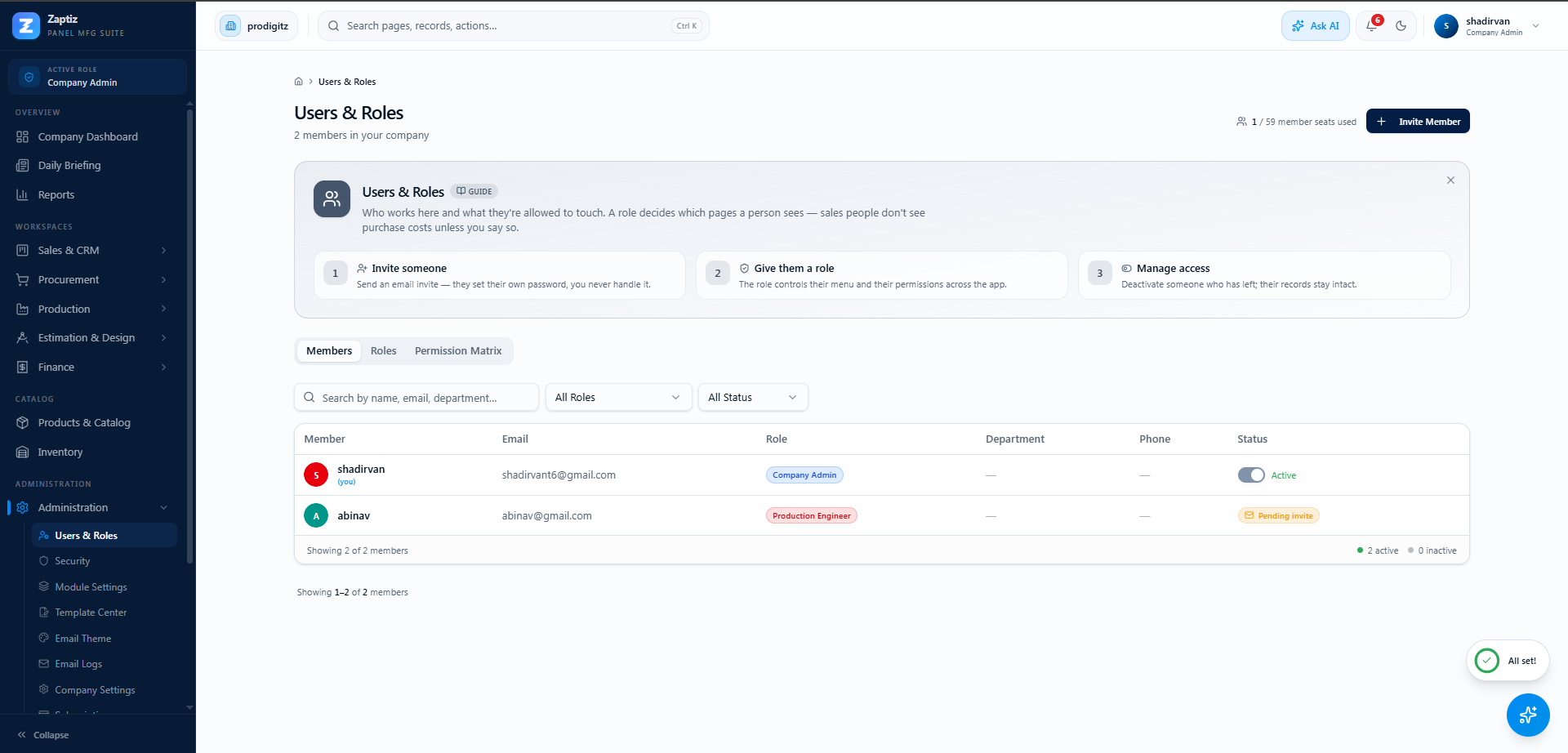
Inviting someone
- Click Invite user, enter their email and choose their role.
- ZAPTIZ emails them a personal invitation link.
- They open the link, set their password, and verify their email with a 6-digit code.
- They're in — with exactly the sidebar their role provides.
Invitations beat shared logins
ZAPTIZ enforces one active session per user — two people on one account will constantly sign each other out. Seats exist for a reason: invite everyone individually and the audit trail stays honest.
Invitations expire for safety — re-send from the same page if one lapses.
Managing existing users
- Change a role — takes effect on the user's next page load.
- Deactivate a leaver — they can no longer sign in, but everything they did remains attributed to them.
- Watch the plan seat limit — see Plans if you need more seats.
Who should have which role?
See the cheat-sheet in Roles & Permissions. When in doubt, give the narrower role — permissions are easy to widen later.